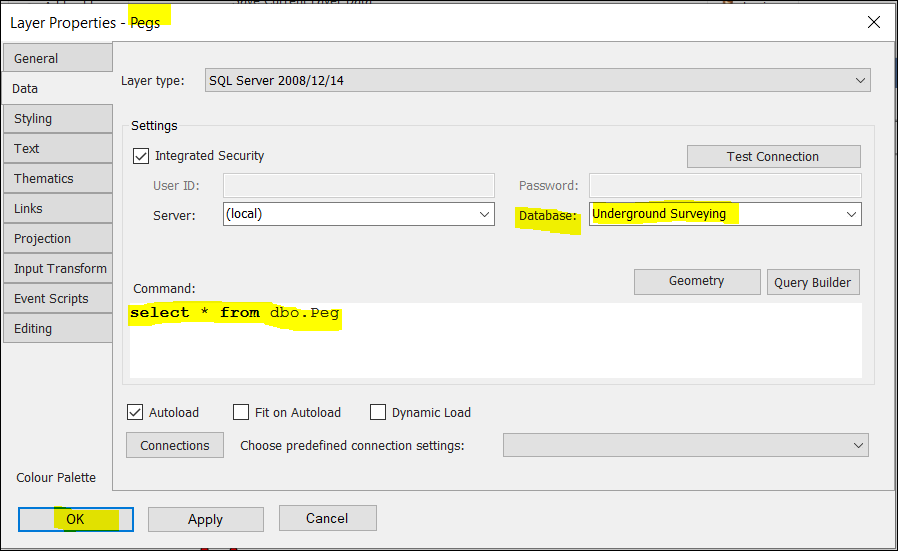
❖ I added a layer called Pegs per the above Adding data from a database. In the Data tab here, I selected a database I had with pegs in it named Underground Surveying. The script (Command:) typed in shows I want all the pegs from this table - There aren't many in this example. Click OK.
❖ A layer Pegs will now be added with all the pegs projected on the scene.
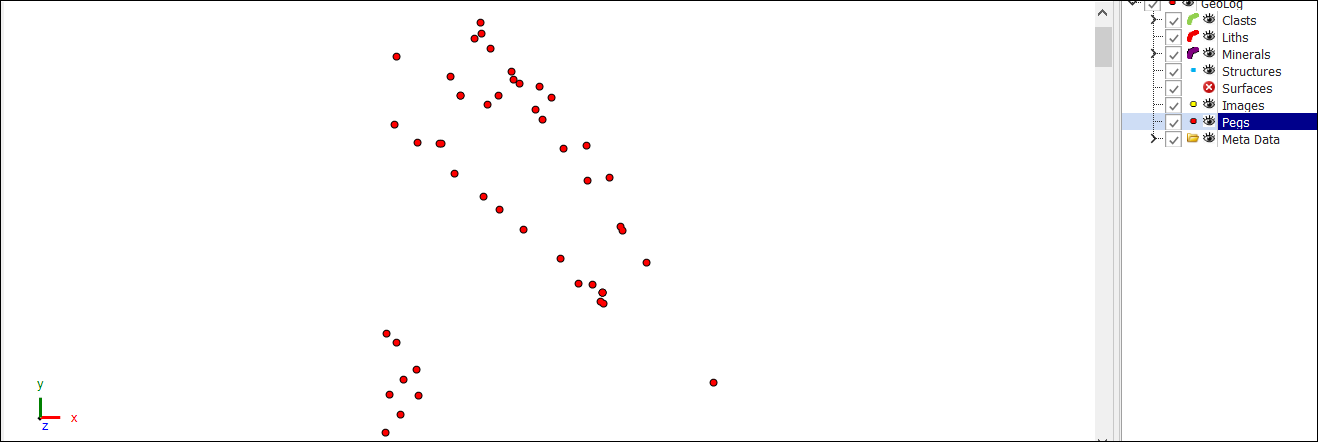
❖ Right click the Pegs layer and select Zoom fit to see all your pegs if they don't come into view.
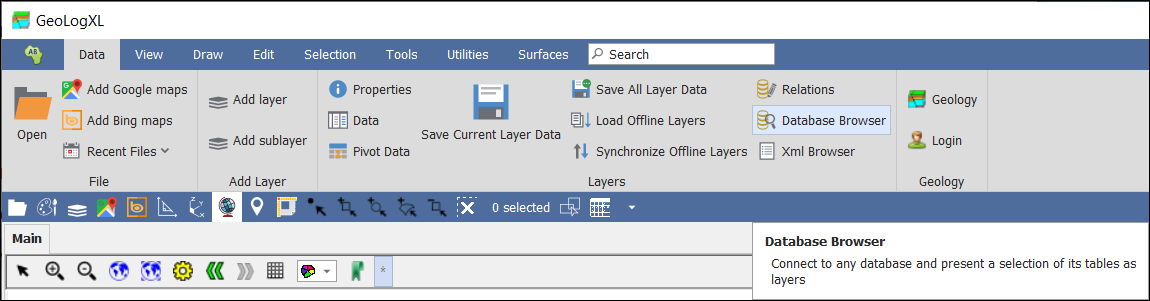
❖ You can also use the Database Browser to view data in any database you can connect to:
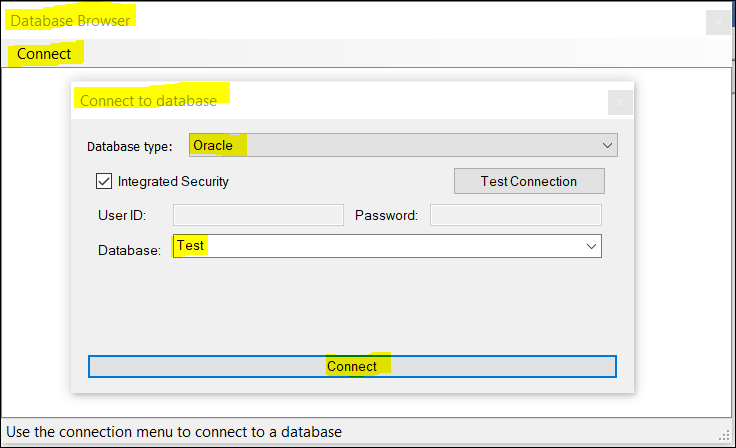
❖ Once the database type and credentials are entered you can click Connect:
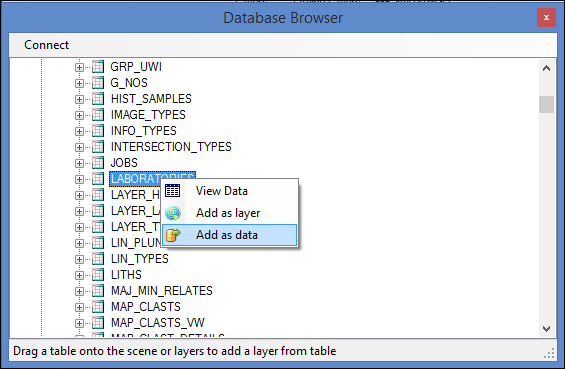
❖ You can then browse the table data. Add a table as a data-set or a spatial layer using the context menu per the above.