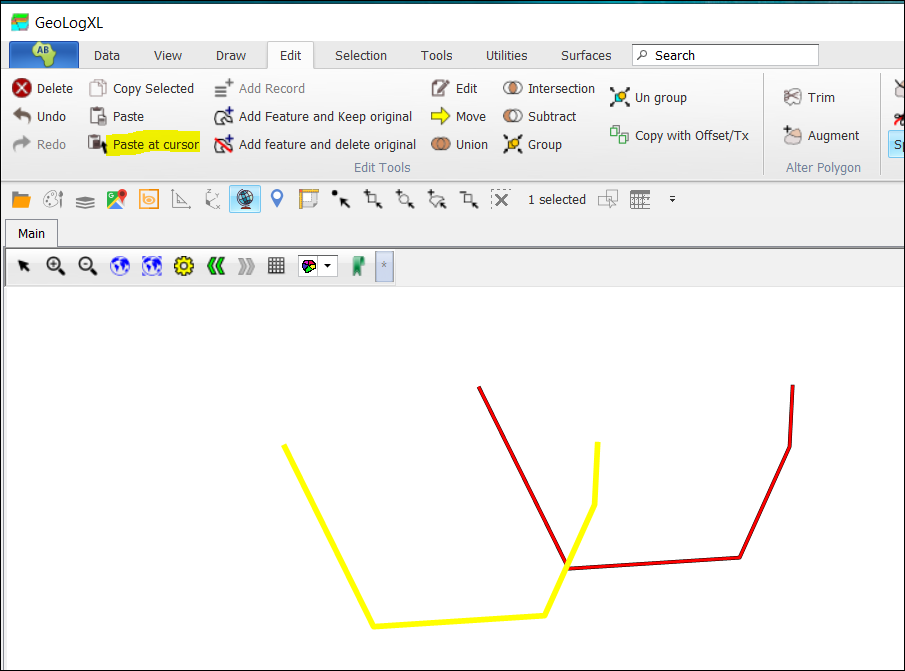
❖ You can also copy what you have drawn, and paste, or paste at cursor.
❖ To do that, you select the drawing that you would like to copy (by using any of the selection tools as described above for instance Select by clicking).
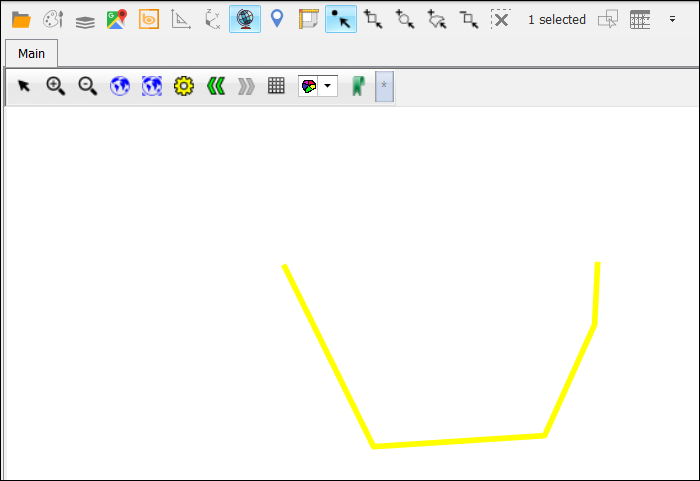
❖ Once you have selected the drawing (the drawing colour will be showing, this is usually yellow when left to be the default but can be set in the layer Properties).
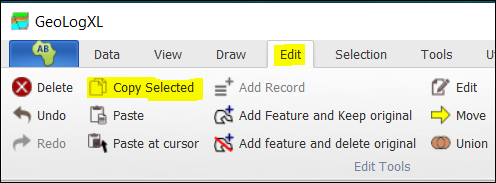
❖ Then you click Copy Selected which is in the Edit tab in the ribbon.
❖ Now you can paste at cursor by selecting the Paste at cursor button and then pasting.