❖ With GeoLogXL you can create surfaces.
❖ In the Surfaces tab of the GeoLogXL ribbon the functionality for building surfaces resides.
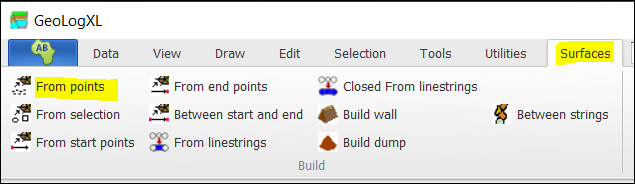
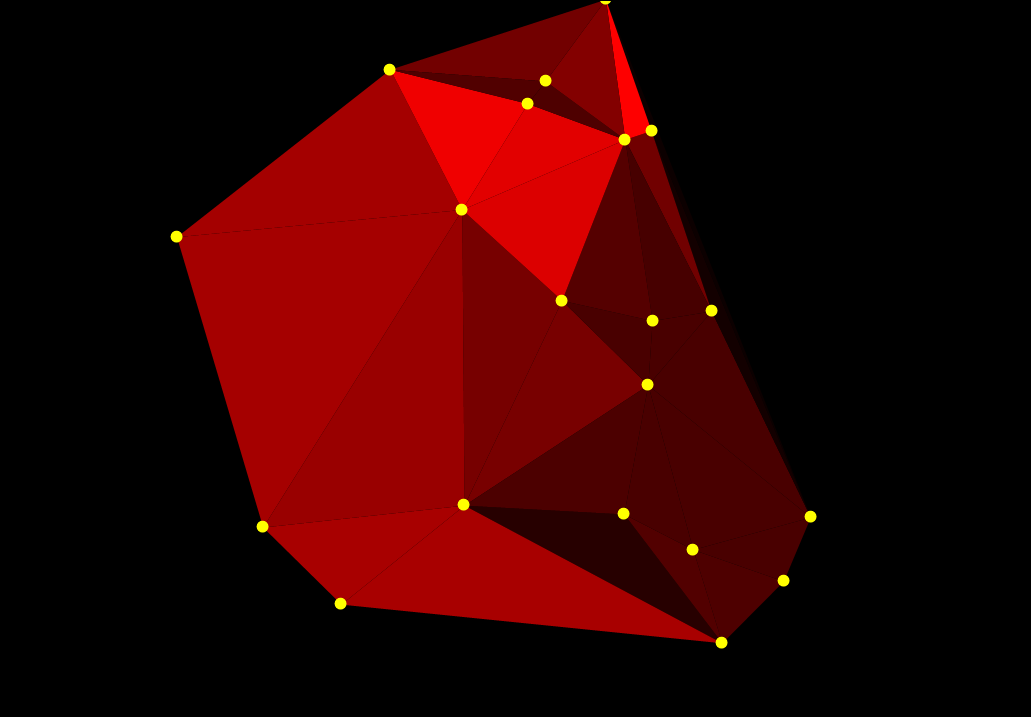
❖ You can build surfaces from points by simply selecting the points with a selection tool such as Select all intersecting polygon and then clicking on the From points button.
❖ You can also select From selection which you take lines and points into account.
❖ Building From linestrings would take break lines into account and so forth.
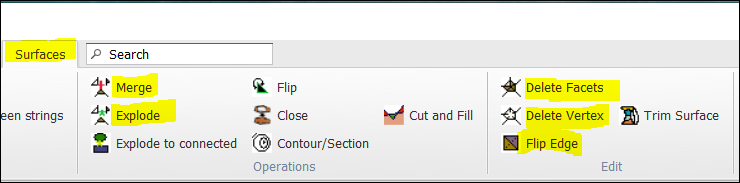
❖ You can Merge and Explode surfaces and you can Delete Facets and Vertices as well as Flip Edges etc.
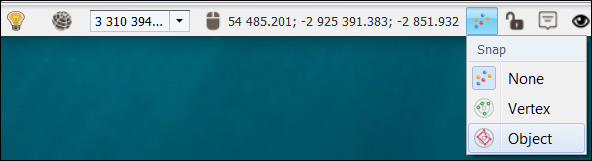
❖ Snap functionality is provided.
❖ To turn the snap on, you click on the Snap button on the bottom toolbar. You have an option of snapping to Vertex or Object. The mouse cursor will display as a star * when it has an object or vertex to snap to.